Your journey with Electrip starts here.
Charge across Europe, simply and seamlessly.
No activation is required.
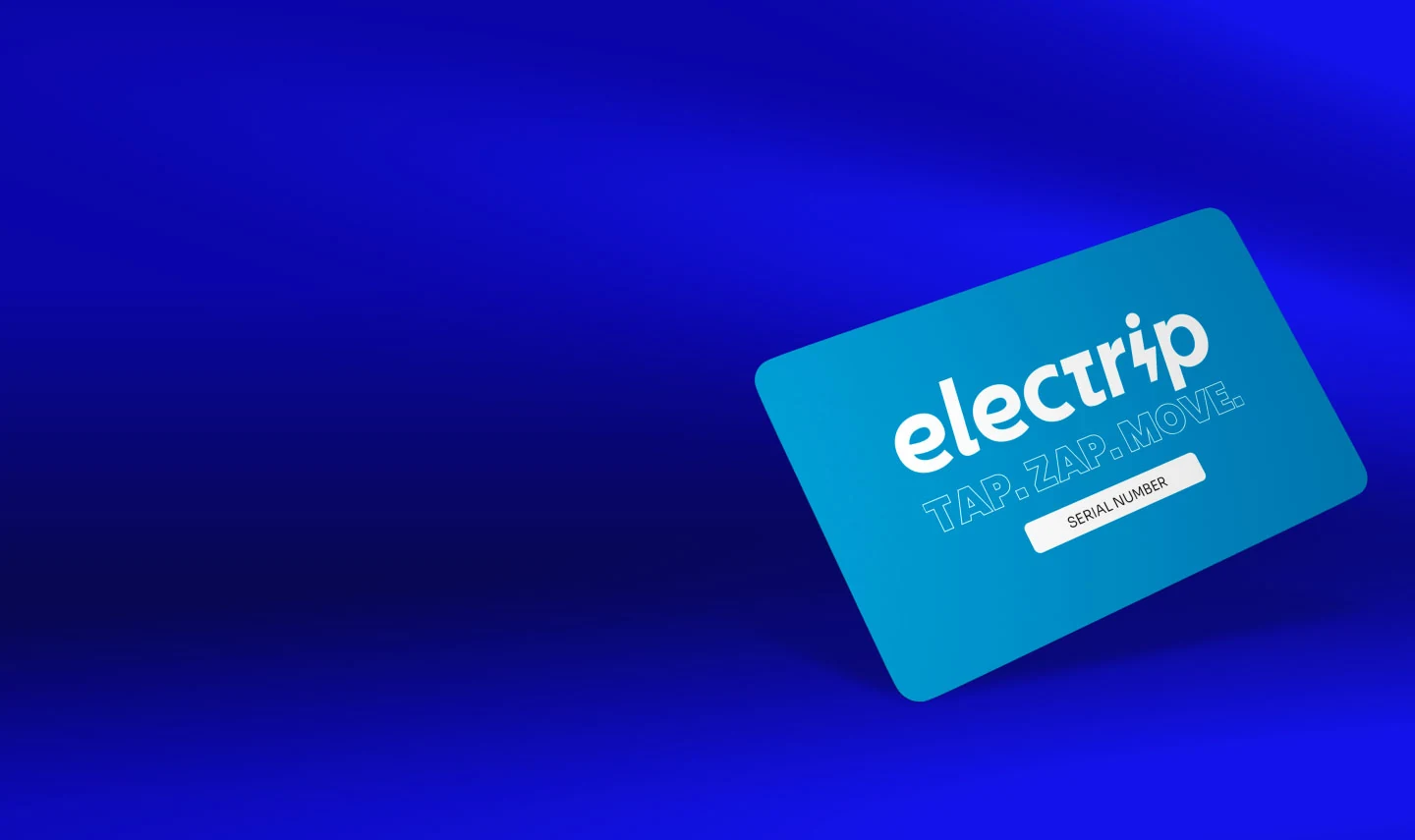

How to charge with your RFID card
One tap to start. One tap to stop.
The RFID card is not a payment method. Charging costs will be charged to the payment method linked to your account in the Electrip app.
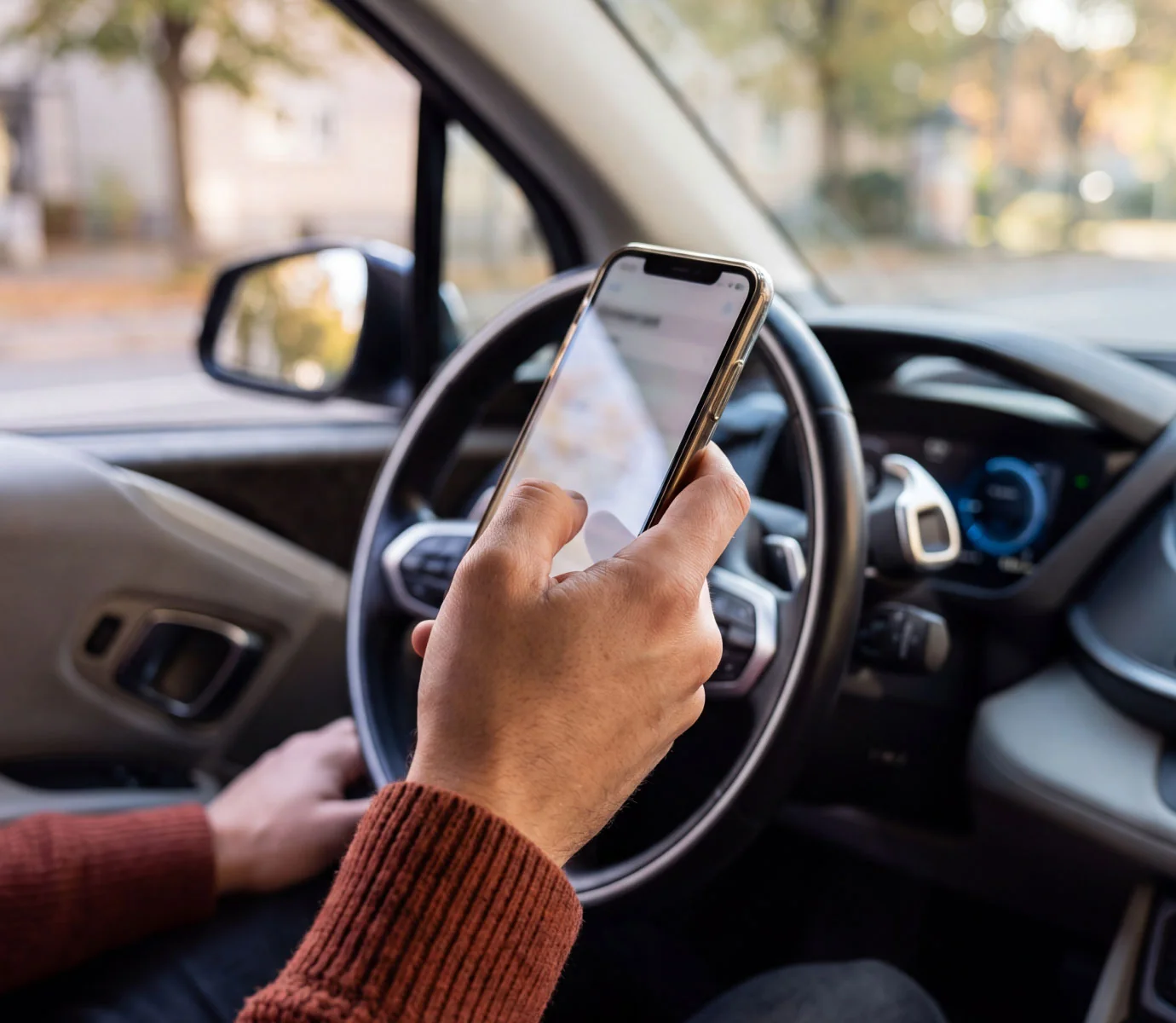
Start charging
Tap your RFID card on the charging station reader.
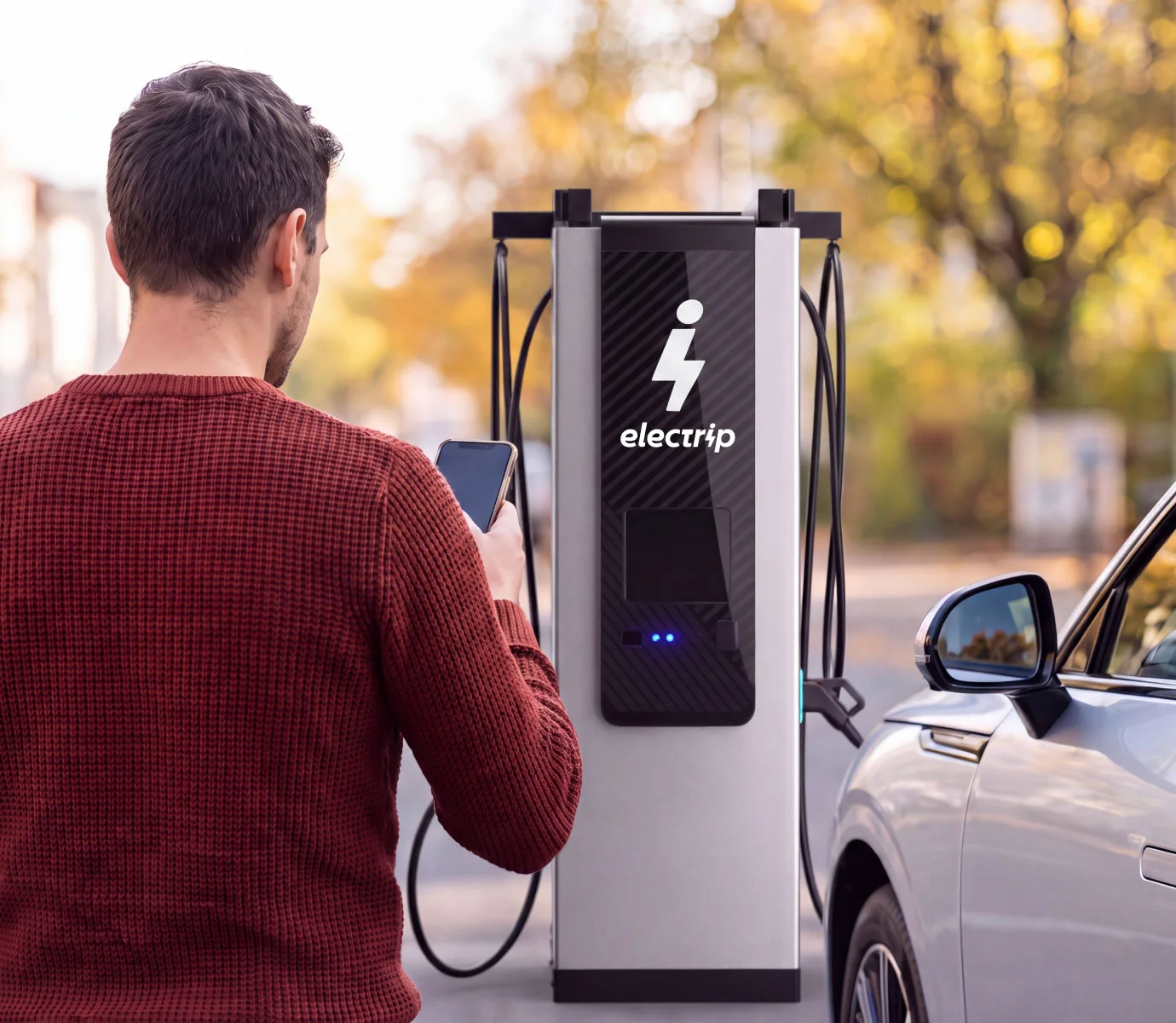
Avvia la ricarica
Avvicina la tessera RFID al lettore della colonnina.
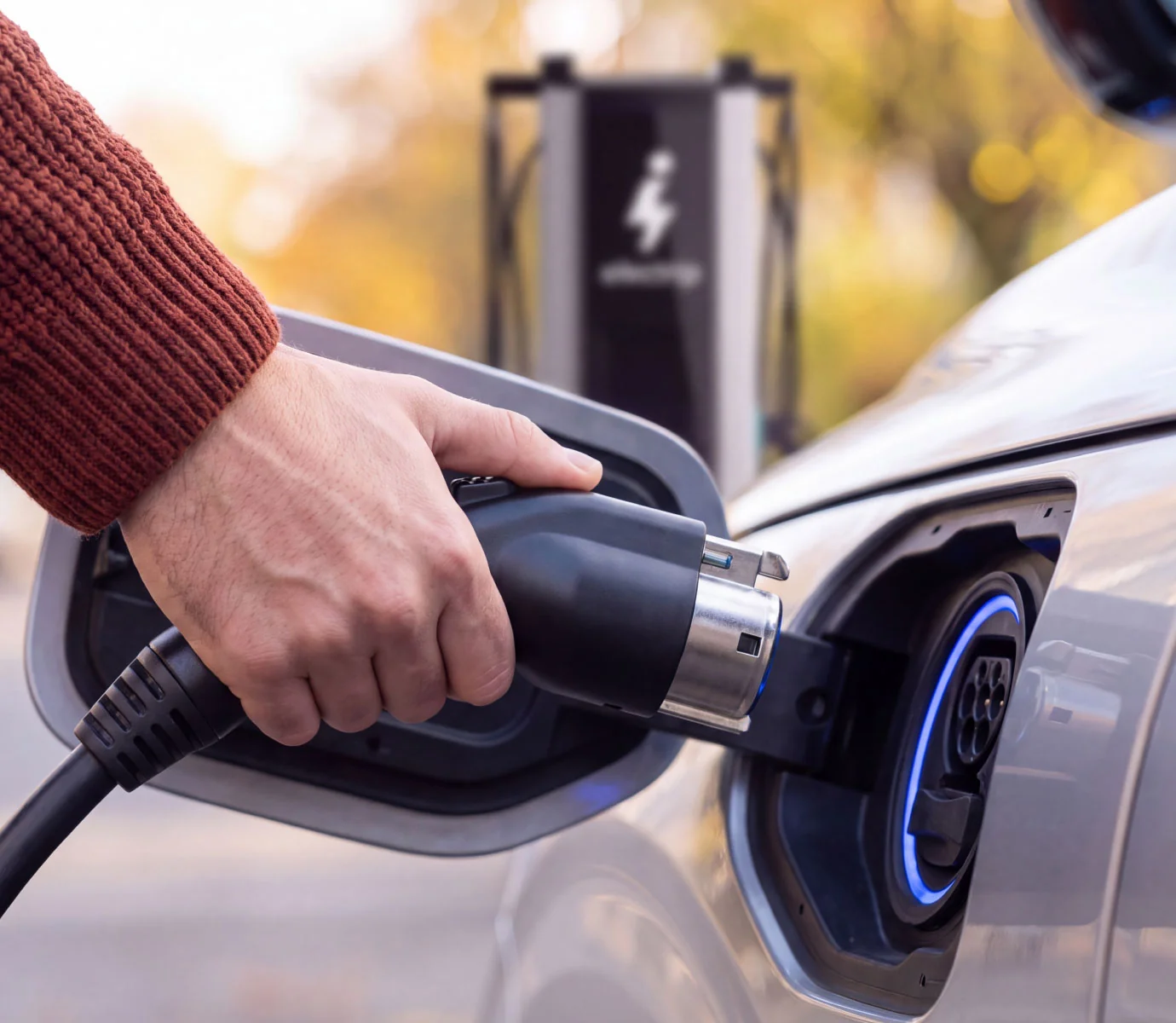
Connect your vehicle
Plug the connector securely into your vehicle’s charging port.

Monitor your session
Track your charging progress in real time through the Electrip app.
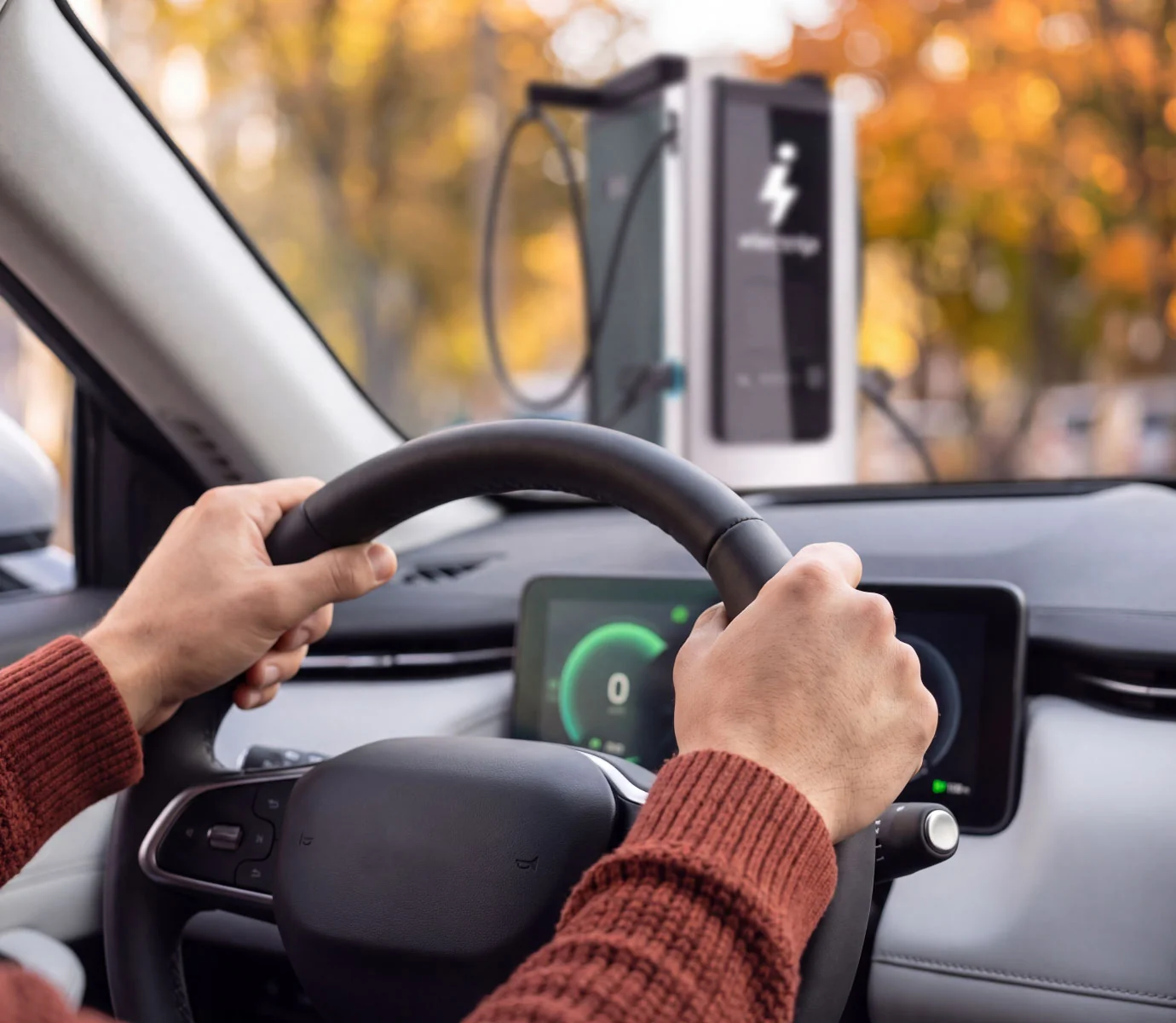
Stop charging and get back on the road
Tap your card on the reader again, unplug the cable and continue your journey.
See how it works
A quick guide to starting, monitoring and ending a charging session.
How to start charging
Connect your vehicle and start the session using your RFID card or the Electrip app.
How to stop charging
End the session using your card or directly through the app.
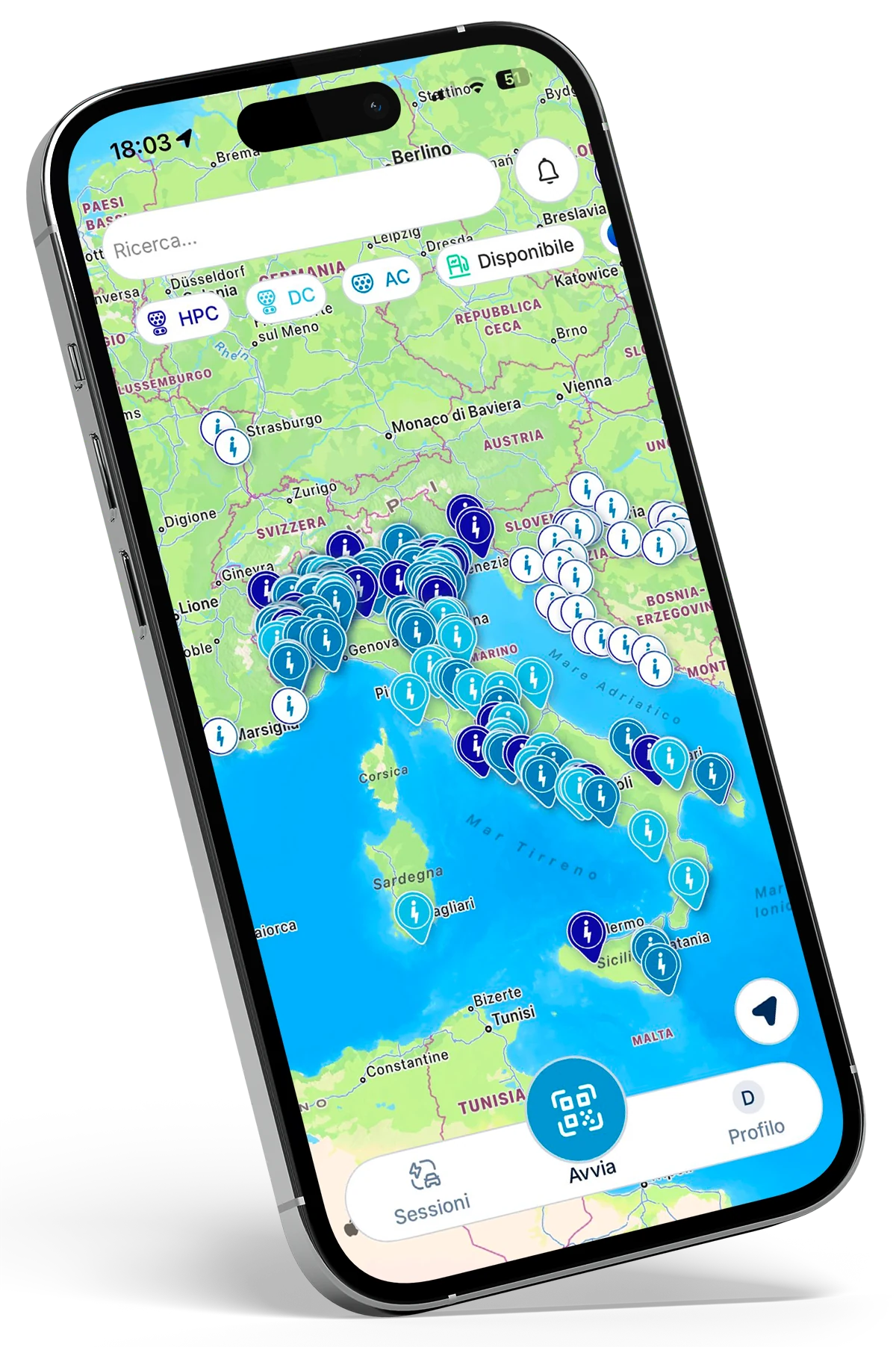
You can also charge through the app
• find your nearest charging stations
• check the availability and specifications of each charging point
• reserve a charging point remotely
• start and stop a charging session
• monitor charging in real time
• view available offers and benefits
To start a session through the app, scan the QR code on the charging station, check the details and confirm charging.
Plug in. Electrip takes care of the rest.
With Autocharge, you can start charging simply by connecting your vehicle to the charging station, without having to use the app or RFID card each time. To set up the feature:
Log in
Add
Select
Charge
Feature availability depends on the vehicle model.
Need help?
We’re here for you.